It remembers what you wore
Every day you wear an outfit goes into your history, so the next pick is a different one and nothing gets repeated by accident.
Outfit of the day
Photograph your clothes once. OOTD builds your wardrobe, picks an outfit for today's weather, and shows it on your own photo before you get dressed.
ExcellentThe stripe gives the khaki something to do.
Tap a piece to swap it and see what the stylist says. In the app, these are your own clothes.
How it works
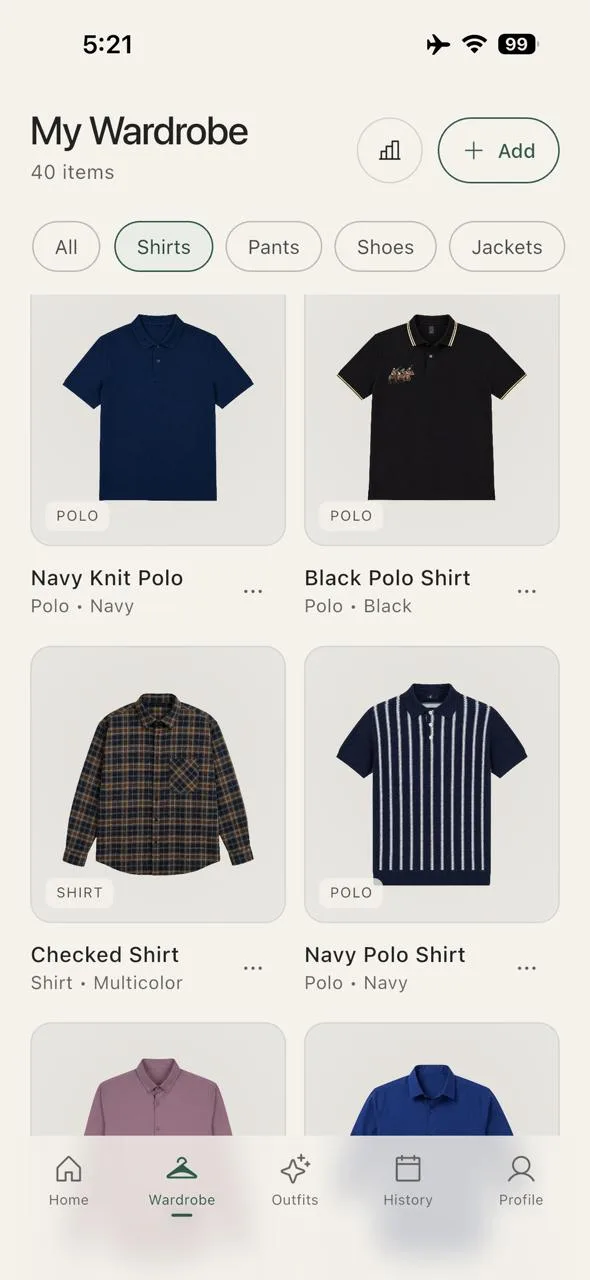
Step 1
One piece, or a mirror selfie of a whole outfit. OOTD finds every garment in the picture and redraws each one as a clean catalogue image, with its type, colour and fit filled in.
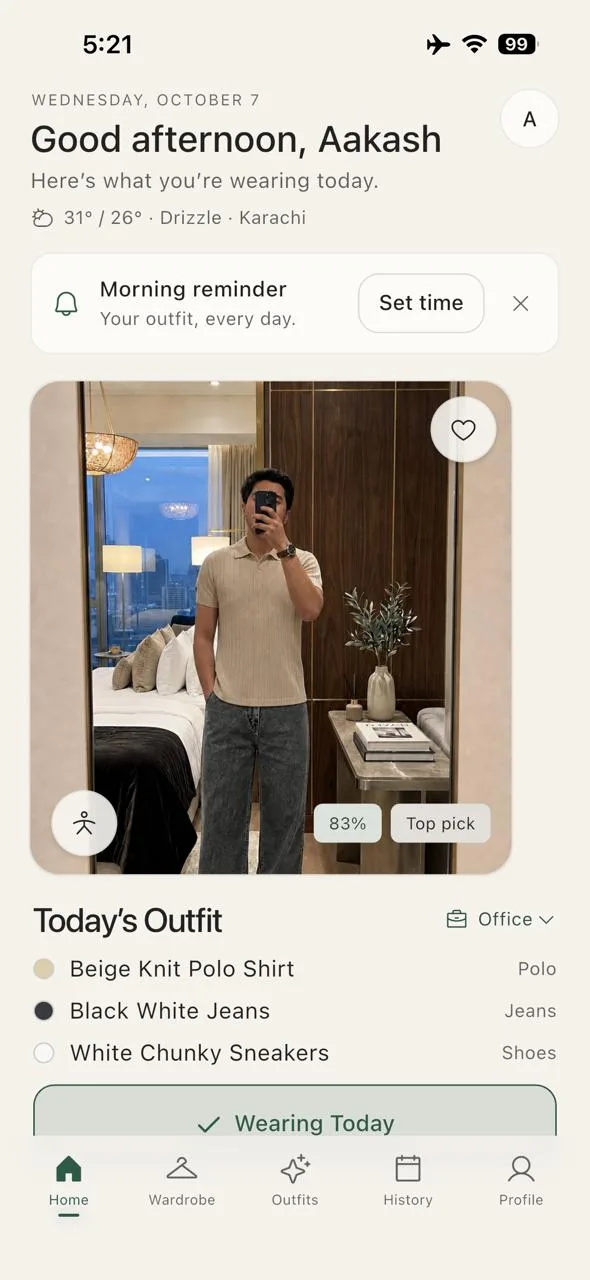
Step 2
Each morning it picks one from your own clothes, for the weather in your city and the kind of day you have. It remembers what you wore, so tomorrow is different.
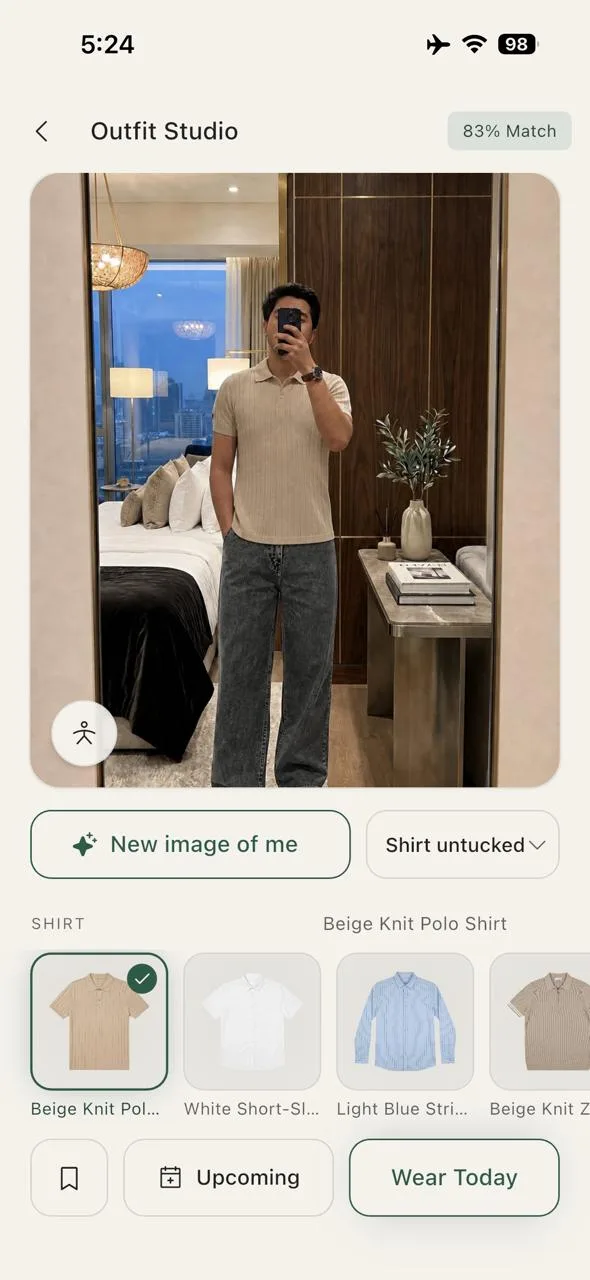
Step 3
The outfit is shown on your own full-length photo, never on a made-up model. Swap one piece and the picture updates while everything else stays.
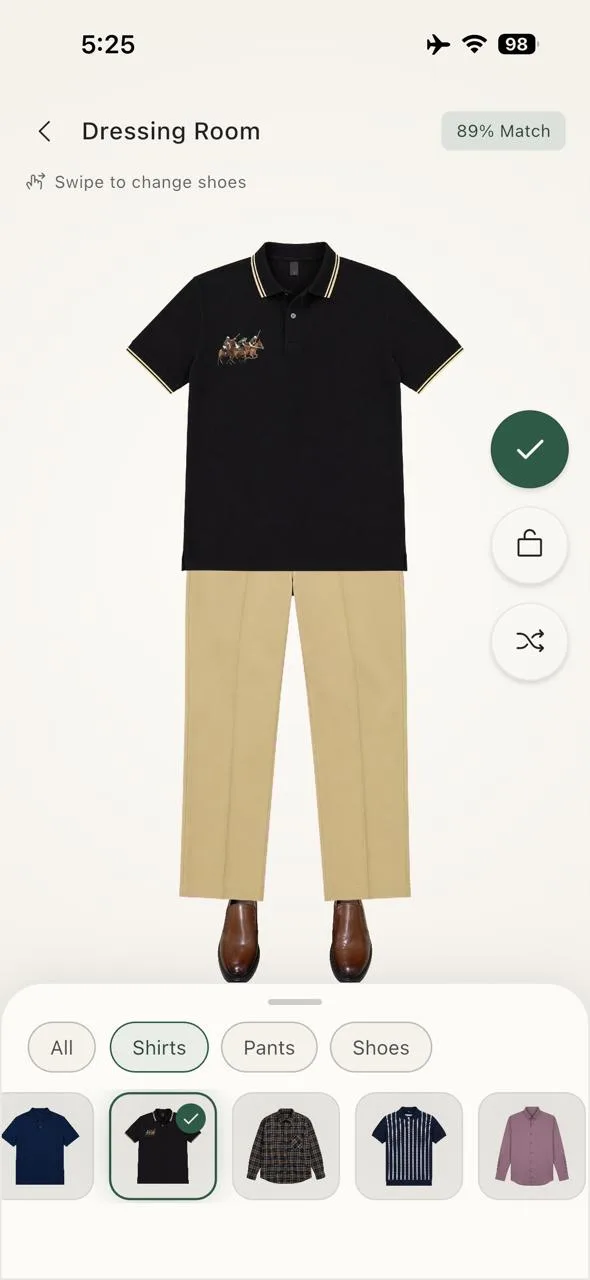
Step 4
Swipe through tops, bottoms and shoes in the Dressing Room. The stylist rates each pairing and says why. Save the ones you like for the days ahead.
Once your clothes are in
Every day you wear an outfit goes into your history, so the next pick is a different one and nothing gets repeated by accident.
Your colours at a glance, the pieces you reach for, the ones you never do, and the missing basics that would go with the most of what you own.
Shortlist outfits for what is coming up, and they are waiting when the day arrives.
Shirts, polos, jeans and blazers. Kurtas, kurtis, shalwar, dupattas and khussa. Men's cuts, women's, or both: say what you wear and it shows only that.
Your photos
Nothing of yours goes to the AI until you say yes: no photo, and no description of your clothes. You can switch it off again in Profile.
No advertising or analytics company gets anything from the app, and your data is not sold. Brands can pay to list pieces, always labelled Sponsored, and they see only totals.
Profile, then Delete account, removes your photos, wardrobe and history for good.
Free and Plus
An AI image is a garment redrawn from your photo, or a picture of you in an outfit. Each one uses a credit.
15 AI images to start
50 AI credits every month
25 credits, bought once
Prices are shown in the App Store and Google Play in your own currency.
Help and contact
Write to support@outfitoftheday.online. We reply by email.